Features
Everything you can do on RetroMC, from villages to minigames.
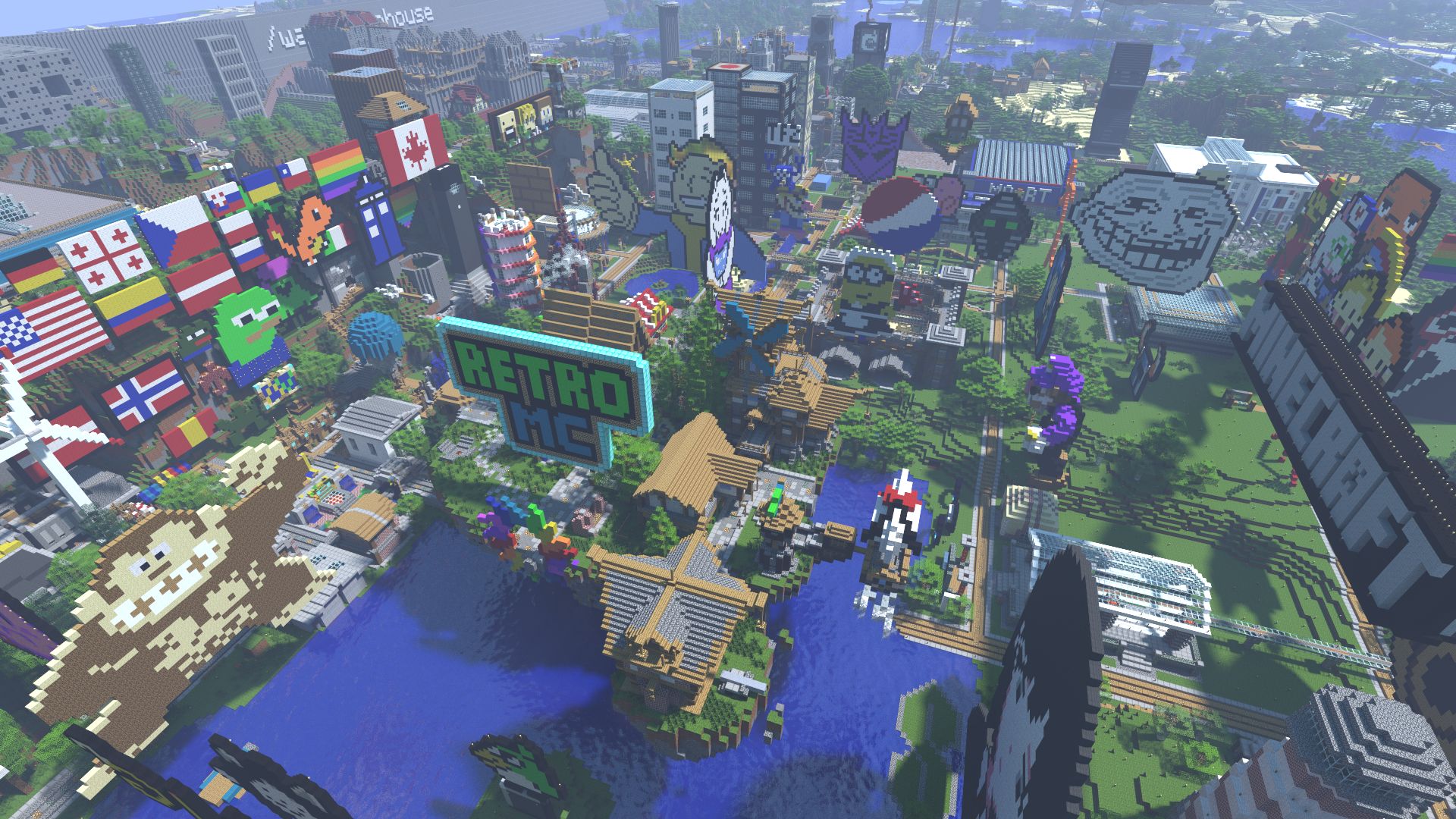
Towny villages and land claims
Villages are how RetroMC players protect what they build. Once you have $1,000, create a village with /v create, deposit money with /v dep and claim land with /v claim. Claimed land is protected from everyone except the members you invite.
Villages can grow into towns with assistants, flags and their own spawn points, and some band together into nations. Each village’s claims appear on the world map, and many towns have their own pages on the wiki.
There are 1,215 villages on RetroMC today.
A player-run economy
Sell blocks and items at the admin shop (/warp shop) or the player market (/warp market), or earn money by killing hostile mobs.
Spend it on land claims, or set up your own ChestShop and trade with other players. Looking for something? The Player Market Shop Finder searches what players are selling across the world.
Beta Evolutions 2
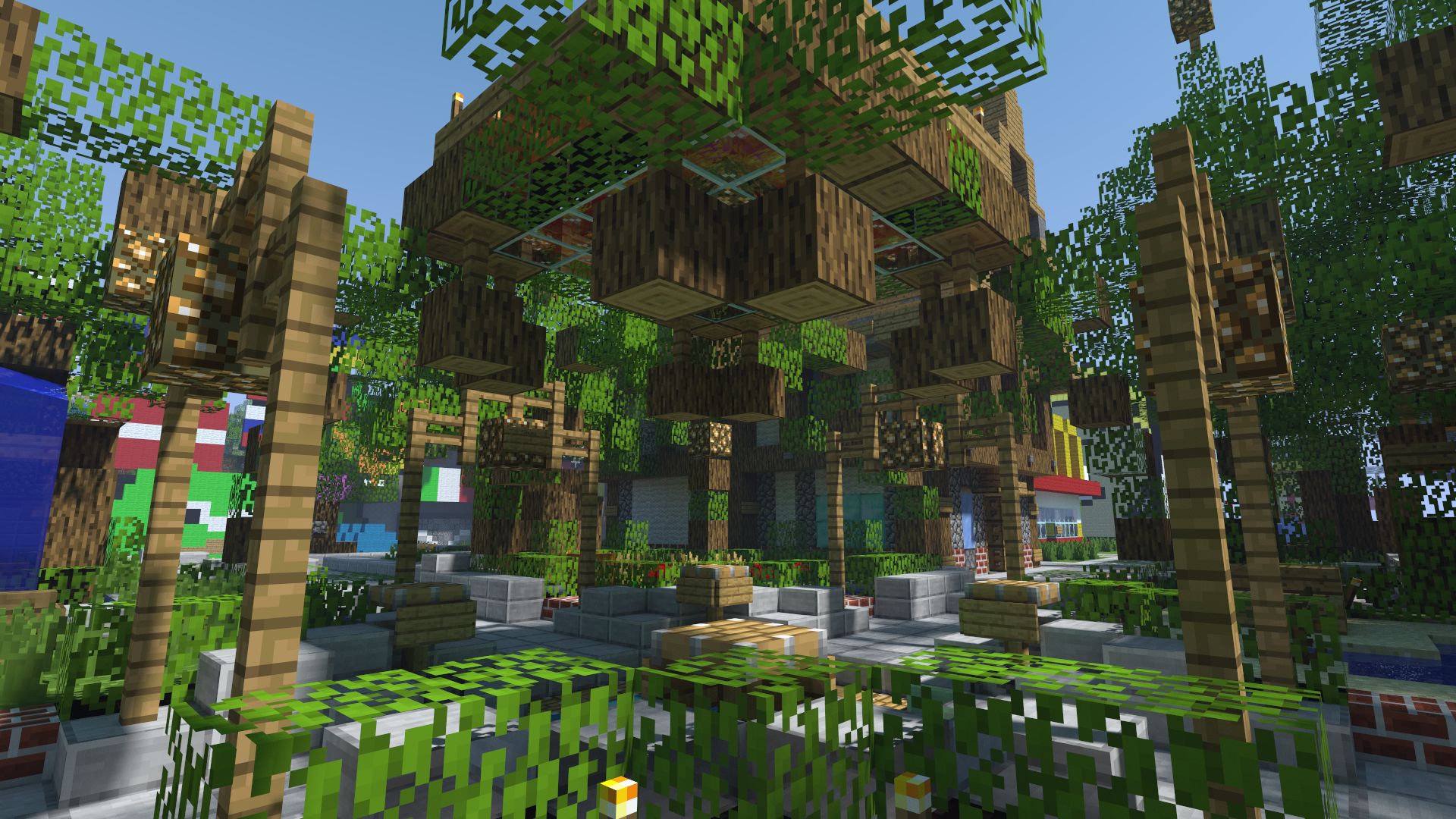
Beta Evolutions 2 is RetroMC’s free client for Beta 1.7.3, on Windows, macOS and Linux. Every addition is optional and designed to stay true to Beta.
- Optional proximity voice chat on RetroMC, with push-to-talk, open mic and party chat across any distance
- Full controller support, raw mouse input and fully rebindable keys
- A modern chat box with history, clickable links, username tab-complete and typing indicators
- A searchable settings menu, drag-and-drop F3 menu and a modern TAB list with coloured nametags
- Zoom, isometric and cinematic cameras, HD texture packs, 3D dropped items and panoramic screenshots
- Optional bundled mods: HMI, InvTweaks, Rei’s Minimap and Schematica
- Better performance on modern hardware, improved netcode and the LWJGL 3 engine
- Working skins and capes, automatic login, Beta bug fixes, and RetroMC achievements tied to J-Stats
The Skylands and Farlands
The Skylands are based on the dimension found in Beta 1.7.3’s code, with additional features and improvements. Visit with /warp skylands.
The Farlands are generated from Beta-era code, giving you the famous glitched terrain from the edge of a Beta world. They were added for a Christmas event in 2020 and have stayed ever since.
There’s also the Nether. Be aware that it’s semi-anarchy: PvP and griefing are allowed there.

Minigames
Take a break from building at the minigames board on the spawn island (/warp minigames). Each game also has its own warp.
- Maze
- A tree-themed maze. The solution is on the wiki if you get lost.
- Race
- Obstacle lanes in single-lane, multi-lane, night and timed versions.
- Spleef
- Knock other players into the pit by breaking the blocks under them.
- MobArena
- Survive waves of mobs with the class you pick; rewards grow with each wave.
- ArenaFighter
- Opt-in PvP duels in an arena, with wagers, spectator bets and a leaderboard.
- Parkour
- Two courses: a hard lava cove and an easier run in the Skylands.
- The Dungeon
- A semi-labyrinth full of monsters, built by EternalllZM.
Locked chests and doors
LWC lets you lock chests, furnaces, doors, signs and dispensers. Share access with friends, or keep them private, even outside a village claim.
Exploit fixes
RetroMC runs on Project Poseidon, a modernised fork of CraftBukkit that patches duplication exploits and adds UUID support for proper account security and password resets.
Custom fixes mean pistons are fully enabled.
A world map and stats
Explore the whole world in your browser, in 3D with BlueMap or as a 2D map with village overlays in Overviewer. The maps refresh every day or two. J-Stats tracks every player’s playtime, blocks placed, distance travelled and more, and the Discord bot can look them up too.
Try it out
Explore the world map in your browser, or follow the joining guide and play.